This is not a real game, this is kind of a sandbox for my first Godot project and first steps in game development at all
- GDScript 100%
| addons/Gamepad | ||
| assets/Gamepad | ||
| characters/player | ||
| levels/world1 | ||
| .gitignore | ||
| default_env.tres | ||
| export_presets.cfg | ||
| godot_screenshot.png | ||
| godot_screenshot.png.import | ||
| icon.png | ||
| icon.png.import | ||
| mini_start.gif | ||
| project.godot | ||
| README.md | ||


Mini Platform Game
This is my sandbox while I'm learning and experimenting with the awesome open source game engine Godot. :)
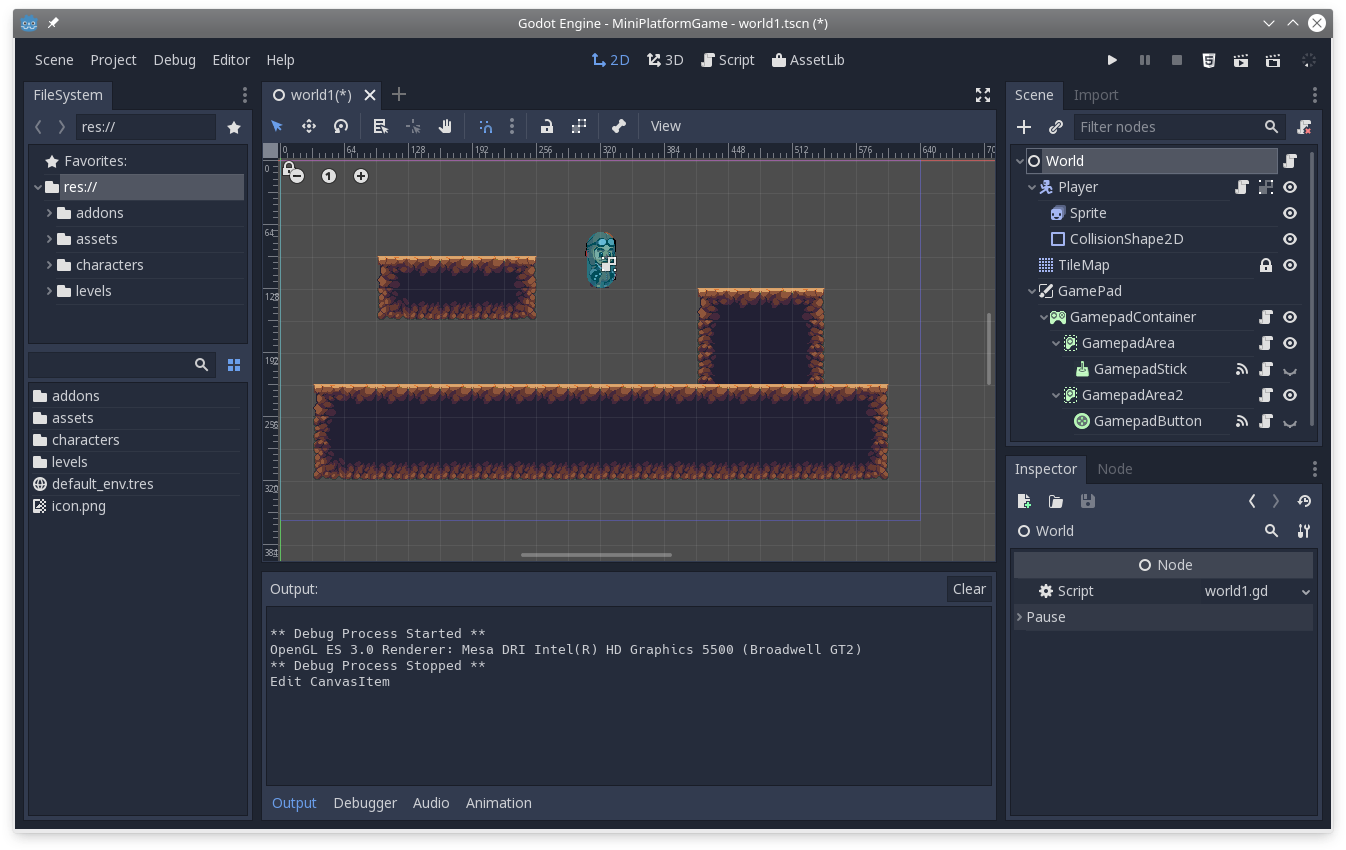
Gameplay
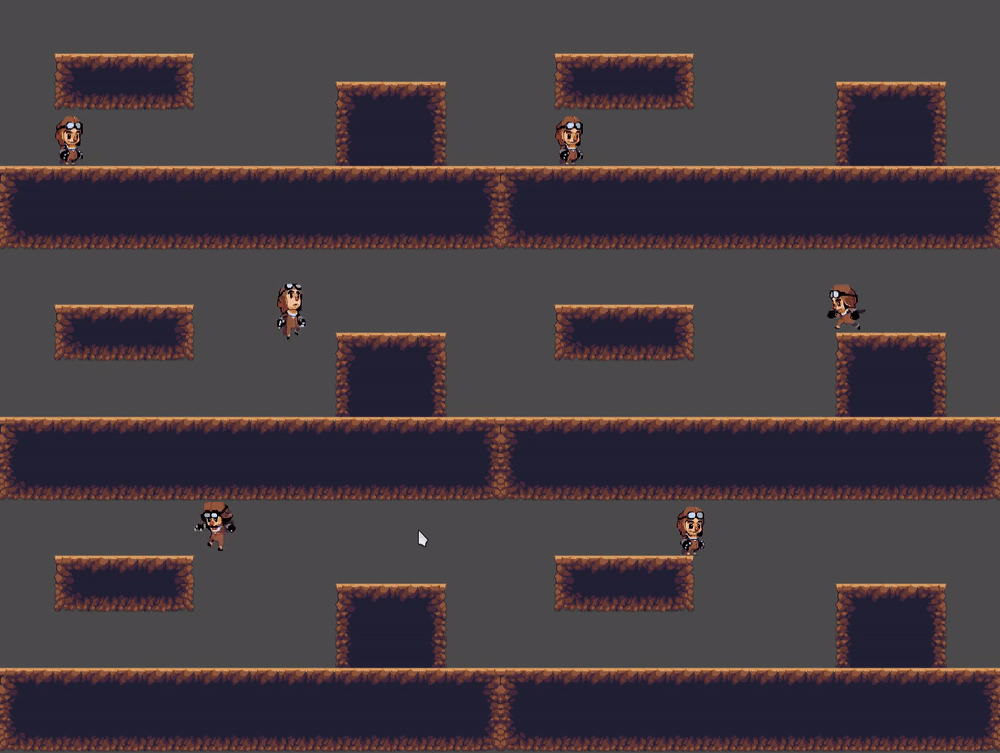
Some gameplay after my first 3 hours of getting used to GDScript:
Features
In v.0.001
- Player can move and jump, can hit walls
- Android virtual gamepad via 'Gamepad' addon implemented
Credit
- Thanks to Godot's cool community and nice documentation they wrote. Really this seems enormous effort, respect!
- Video lesons from HeartBeast
- OpenPixelProject for the great art
- Gamepad addon by fiaful