
2.6 KiB
Cheatsheet repositories
- Browsing through cheatsheet repositories
- Importing cheatsheets
- Adding your own cheatsheets
- Submitting cheatsheets
- Using cheatsheets from other tools
- Auto-updating repositories
Browsing through cheatsheet repositories
You can find cheatsheet repositories with:
navi repo browse
Importing cheatsheets
You can import cheatsheets from any git repository that includes .cheat files:
navi repo add https://github.com/denisidoro/cheats
Adding your own cheatsheets
You can either start a git repo with cheatsheets and import it as described above or you can add them directly to data_dir/navi.
Submitting cheatsheets
The main repository for cheatsheets is denisidoro/cheats. Feel free to open a PR there for me to include your contributions.
In order to add your own repository as a featured cheatsheet repo, please edit this file. This list will be displayed when navi repo browse is run.
Using cheatsheets from other tools
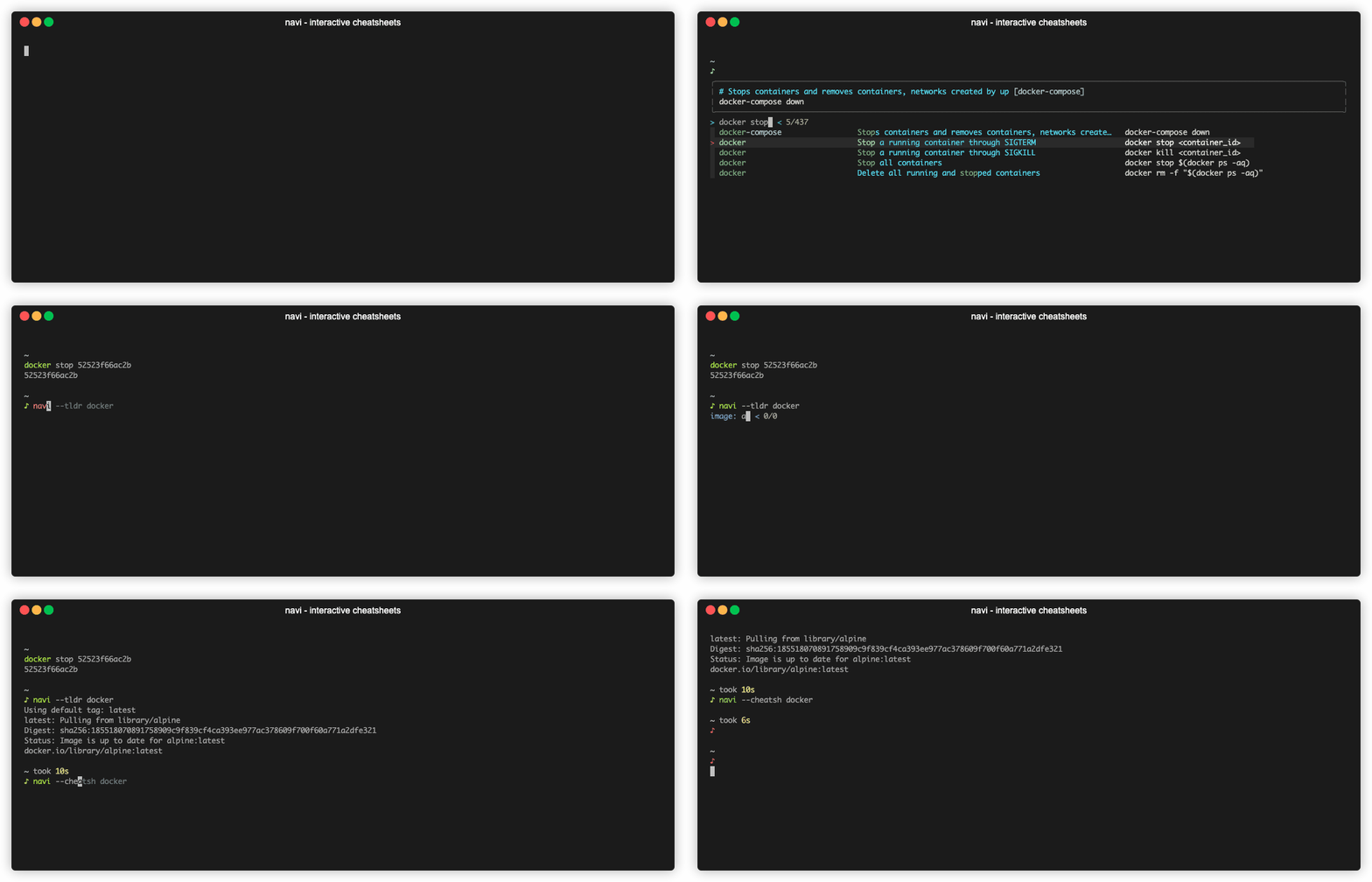
You can use cheatsheets from tldr by running:
navi --tldr <query>
You can use cheatsheets from cheat.sh by running:
navi --cheatsh <query>
Auto-updating repositories
Right now, navi doesn't have support for auto-updating out of the box. However, you can achieve this by using git and crontab.
First make sure you cloned your repo using git to the correct folder:
user="<user>"
repo="<repo>"
git clone "https://github.com/${user}/${repo}" "$(navi info cheats-path)/${user}__${repo}"
Then, add a cron job:
crontab -e
*/0 11 * * * bash -c 'cd "$(/usr/local/bin/navi info cheats-path)/<user>__<repo>" && /usr/local/bin/git pull -q origin master'
Please note the cron job above is just an example and you should edit it accordingly:
- In this example, the cron job is triggered every day at 11am. crontab guru may come in handy if you want to change this value
- The full paths to
naviandgitmay differ in your setup. Check their actual values usingwhich naviandwhich git - Don't forget to replace
<user>__<repo>with the actual folder name