
1.7 KiB
OPC Single Server
This project will deploy Kasm Workspaces in a single-server deployment in OCI.
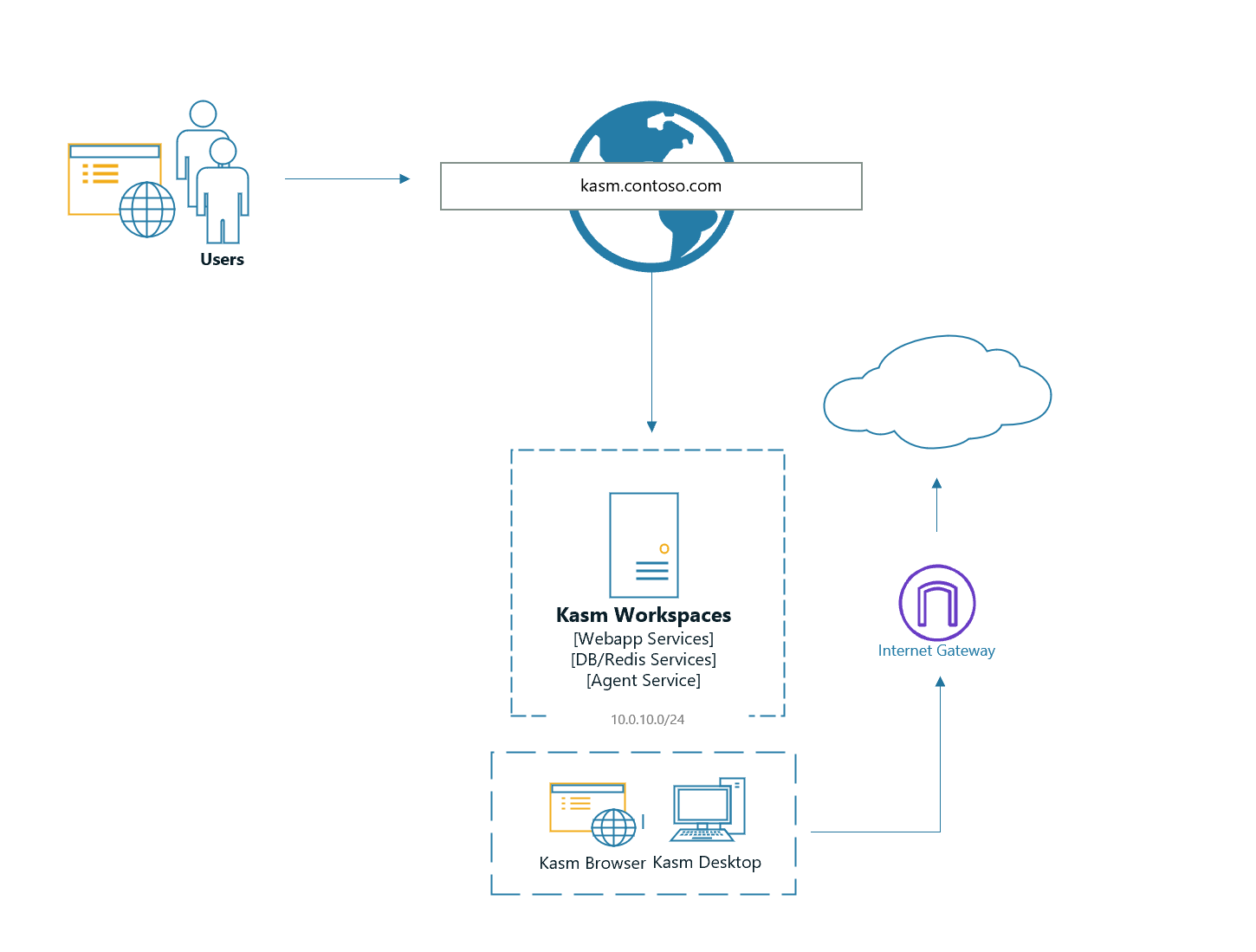
Pre-Configuration
Consider creating a new Compartment for the Kasm Workspaces deployment.
DNS Zone
In OCI create a public DNS zone that matches the desired domain name for the deployment. e.g kasm.contoso.com.
API Keys
Create an administative user the OCI console that will be used for the terraform deployment. Add the user to the
Administrators Group. Generate an API Key for the user. The API Key Fingerprint will be used as a variable
in the deployment configuration. Save the private key to the local directory replacing oci-private-key.pem.
SSH Authorized Keys
The project will install an SSH key(s) inside the OCI compute instance(s). Update authorized_keys in this directory
with the desired SSH public keys.
SSL Certificate
Create an SSL certificate that matches the desired domain for the deployment. e.g (kasm.contoso.com). Place the pem encoded
cert and key in this directory overwriting kasm_ssl.crt and kasm_ssl.key.
Terraform Configuration
-
Initialize the project
terraform init -
Open
deployment.tfand update the variables. The variable definitions and descriptions can be found inmodule/variables.tf -
Verify the configuration
terraform plan -
Deploy
terraform deploy -
Login to the Deployment as an Admin via the domain defined e.g
https://kasm.contoso.com. Single server installs download all workspaces images during the install process so it may take ~15 minutes for the server to fully come online.