mirror of
https://github.com/denisidoro/navi.git
synced 2026-07-21 01:02:46 +00:00
|
…
|
||
|---|---|---|
| .. | ||
| getting-started | ||
| repositories | ||
| syntax | ||
| README.md | ||
Navi cheatsheets
Working with cheatsheet repositories
Navi works best with what we call cheatsheet repositories, for more details see cheatsheet/repositories.
Manually adding cheatsheets to navi
If you don't want to work with cheatsheet repositories, you can manually add your
cheatsheets to navi by putting them into the cheats_path of your platform.
You can find out your path using the info subcommands but a quick working command to go there would be:
-
Before 2.25.0
cd $(navi info cheats-path) -
After 2.25.0
cd $(navi info default-cheats-path)
Choosing between queries and selection with variables
Navi lets you use different methods to fill a variable value, when prompted.
| Keyboard key | Preference |
|---|---|
| tab | The query is preferred |
| enter | The selection is preferred |
It means if you enter the tab key, navi will let you enter the value.
Using cheatsheets from other tools
Warning
Navi DOESN'T SUPPORT as of now importing cheatsheets from other tools but is able to work with TLDR and Cheat.sh.
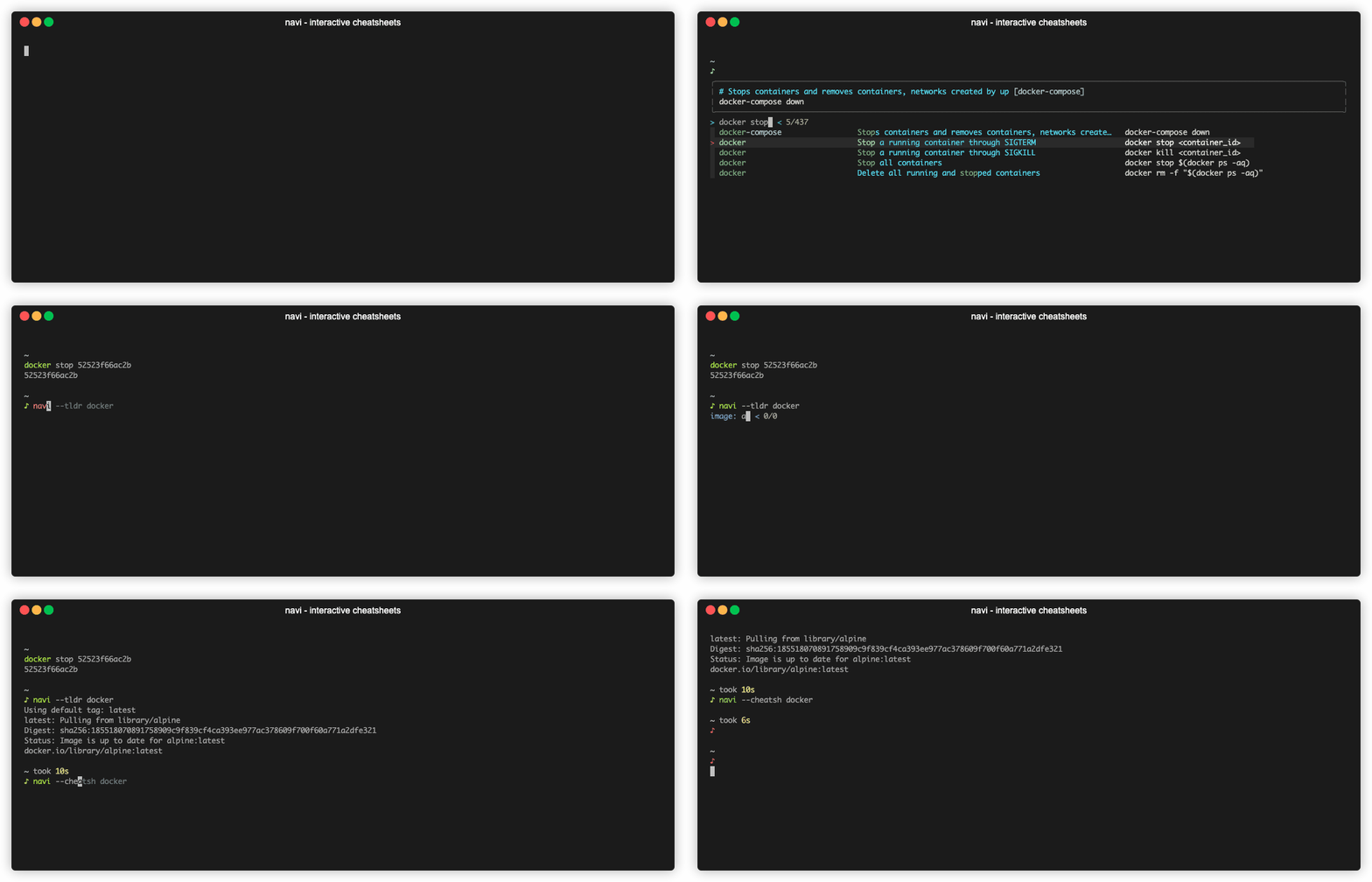
You can use cheatsheets from tldr by running:
navi --tldr <query>
You can use cheatsheets from cheat.sh by running:
navi --cheatsh <query>