|
|
||
|---|---|---|
| .github | ||
| .webpack | ||
| bin | ||
| client | ||
| common | ||
| css | ||
| docker | ||
| font | ||
| html | ||
| img | ||
| json | ||
| man | ||
| server | ||
| static | ||
| test | ||
| tmpl | ||
| .babelrc.json | ||
| .browserslistrc | ||
| .cloudcmd.menu.js | ||
| .dockerignore | ||
| .editorconfig | ||
| .eslintrc.js | ||
| .gitignore | ||
| .madrun.mjs | ||
| .npmignore | ||
| .nvmrc | ||
| .nycrc.json | ||
| .putout.json | ||
| .typos.toml | ||
| .yaspellerrc | ||
| app.json | ||
| ChangeLog | ||
| CODE_OF_CONDUCT.md | ||
| CONTRIBUTING.md | ||
| cssnano.config.js | ||
| docker-compose.yml | ||
| favicon.ico | ||
| HELP.md | ||
| LICENSE | ||
| manifest.yml | ||
| package.json | ||
| README.md | ||
| webpack.config.js | ||

Cloud Commander v18.2.1 


Main Blog Support Demo
Cloud Commander a file manager for the web with console and editor.

Install
npm i cloudcmd -g
Start
For starting just type in console:
cloudcmd
How to use?
Open url http://localhost:8000 in browser.
View
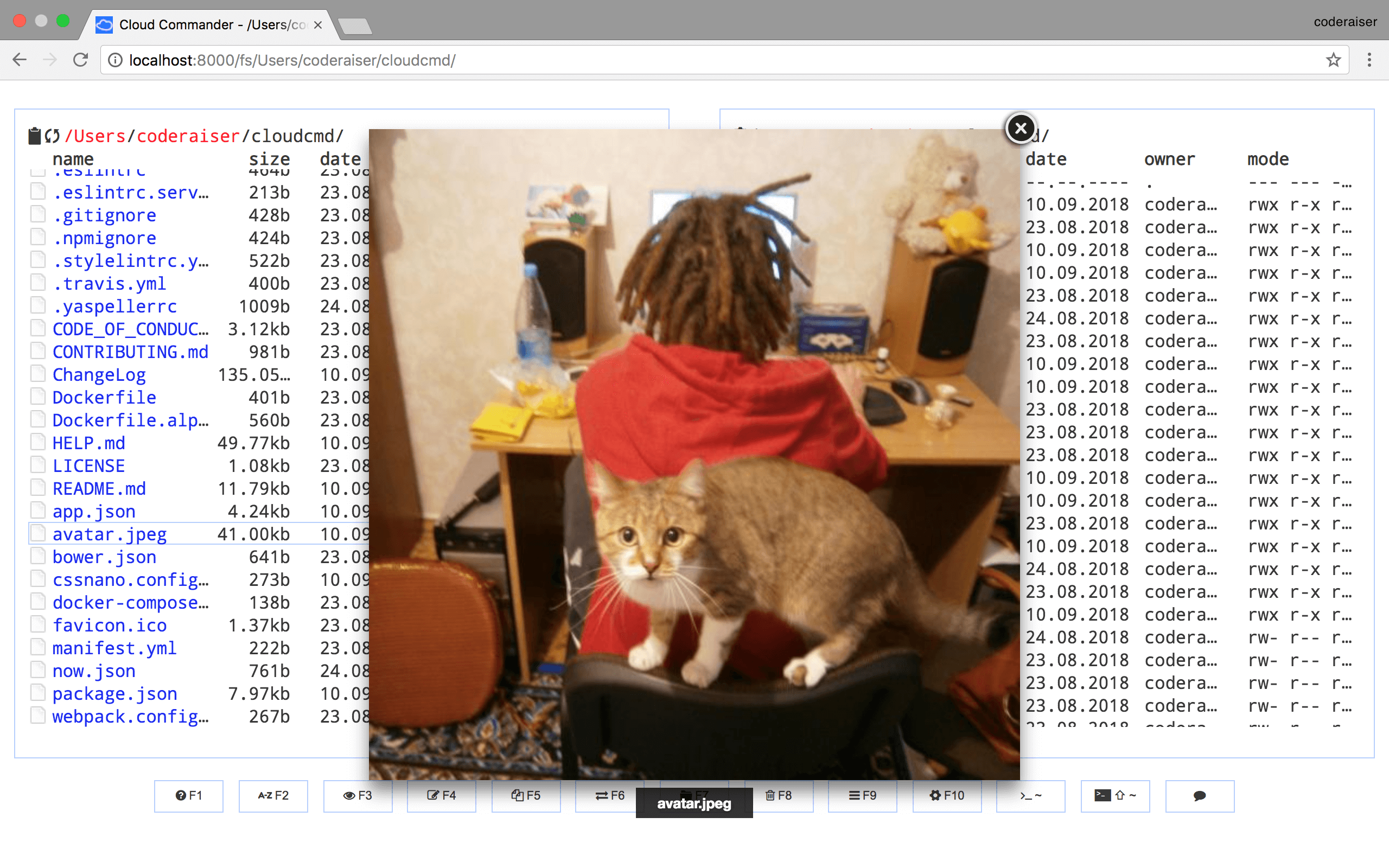
You will see something similar to this.
Deploy
Cloud Commander could be easily deployed to Heroku.

Using as Middleware
Cloud Commander could be used as middleware for node.js applications based on socket.io and express:
Init package.json:
npm init -y
Install dependencies:
npm i cloudcmd express socket.io -S
And create index.js:
import http from 'node:http';
import cloudcmd from 'cloudcmd';
import {Server} from 'socket.io';
import express from 'express';

const app = express();

const port = 1337;
const prefix = '/';

const server = http.createServer(app);
const socket = new Server(server, {
    path: `${prefix}socket.io`,
});

const config = {
    name: 'cloudcmd :)',
};

const filePicker = {
    data: {
        FilePicker: {
            key: 'key',
        },
    },
};

// override option from json/modules.json
const modules = {
    filePicker,
};

const {
    createConfigManager,
    configPath,
} = cloudcmd;

const configManager = createConfigManager({
    configPath,
});

app.use(prefix, cloudcmd({
    socket, // used by Config, Edit (optional) and Console (required)
    config, // config data (optional)
    modules, // optional
    configManager, // optional
}));

server.listen(port);
Docker
The docker images are provided for multiple architectures and types. The following list shows all existing images:
| Architecture | Type |
|---|---|
| amd64 | linux |
| arm64 (arm/v8) | linux |
| amd64 | linux-alpine |
| arm64 (arm/v8) | linux-alpine |
Cloud Commander could be used as a docker container this way:
docker run -it --rm -v ~:/root -v /:/mnt/fs -w=/root -p 8000:8000 coderaiser/cloudcmd
Config would be read from home directory, hosts root file system would be mount to /mnt/fs,
8000 port would be exposed to hosts port.
Also you could use docker compose with docker-compose.yml:
version: '2'
services:
  web:
    ports:
      - 8000:8000
    volumes:
      - ~:/root
      - /:/mnt/fs
    image: coderaiser/cloudcmd
When you create this file run:
docker-compose up
Documentation
More documentation you can find on https://cloudcmd.io/.
Get involved
There is a lot ways to be involved in Cloud Commander development:
- support project on patreon: https://patreon.com/coderaiser;
- if you find a bug or got idea to share create an issue;
- if you fixed a bug, typo or implemented new feature create pull request;
- if you know languages you can help with site translations;
License
MIT